
You want a video editor that lets you start creating right away without worrying about recurring fees. A lifetime license removes the subscription pressure and lets you focus on learning the tools.
When the software is designed for beginners, the learning curve stays gentle, which means you can produce polished videos faster. Choosing the right program also protects your budget and gives you confidence that the app will continue to work on your PC for years to come.
This guide helps you find the best video editing software for beginners with lifetime license so you can start editing with peace of mind.
Top Picks
|
Category |
Product |
Price |
Score |
|---|---|---|---|
|
🏆 Best AI Powered Editing |
$49.95 |
74/100 |
|
|
💰 Best Value |
$34.95 |
62/100 |
|
|
⭐ Best Feature Rich |
$29.95 |
62/100 |
How We Chose the Best
You can trust the picks because each product was measured against the same set of standards. The software had to offer a true lifetime license, run on Windows 10 or 11, and include a clear interface that a new user can navigate.
We looked at the number of built‑in effects, support for 4K or higher resolution, and whether advanced tools such as motion tracking are optional rather than required. Price was compared to the feature set, and the average user rating on Amazon helped gauge overall satisfaction.
Compatibility with a single PC and the presence of regular updates also factored into the decision.
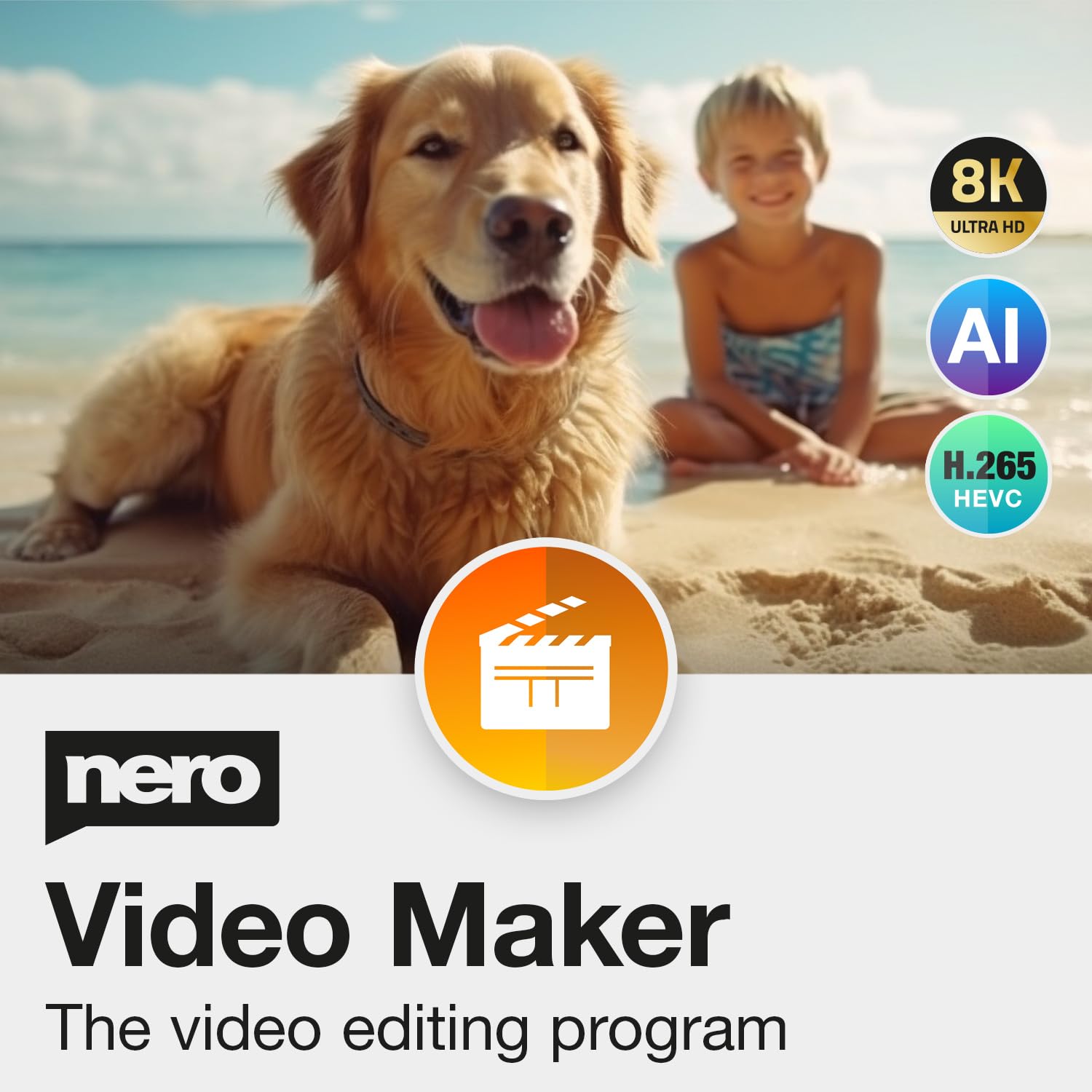
You get a straightforward editor that lets you stitch clips, add music and export in ultra‑high resolutions without the hassle of a subscription. The interface feels familiar, with a drag‑and‑drop timeline and clearly labeled menus, so you can jump straight into a project whether you’re polishing a family vacation video or putting together a quick social‑media reel. The AI‑powered tools suggest titles and transitions, which helps you look polished even if you’re still learning the basics.
I’d recommend it to anyone who wants the confidence of the best video editing software for beginners with lifetime license and doesn’t want to worry about recurring fees.
What People Say
Customers appreciate how easy the program feels right out of the box; the learning curve is gentle and the AI tools are often highlighted as a real time‑saver. Reviewers also note the solid performance when handling high‑resolution footage and the value of a single upfront payment.
A few users mention occasional glitches, but overall the sentiment is that the software delivers reliable results for everyday video projects.
|
Pros |
Cons |
|---|---|
|
✅ Intuitive interface for new editors |
❌ Occasional stability issues with large 8K files |
|
✅ AI features help speed up editing |
❌ Limited advanced effects compared to professional suites |
|
✅ Lifetime license eliminates recurring costs |
Time‑Saving Benefits
You can create a polished video in minutes thanks to preset templates, automatic scene detection, and AI‑generated titles, which means less time fiddling with settings and more time sharing your finished work.
Skill Level
Perfect for beginners; the layout and guided tools let you learn as you edit without feeling overwhelmed.
Key Benefits
- AI‑assisted editing suggestions
- Supports 8K, 4K and Full HD export
- Simple drag‑and‑drop timeline
- One‑click slideshow creation
- Lifetime updates and no subscription
Current Price: $49.95
Rating: 3.7 (total: 117+)
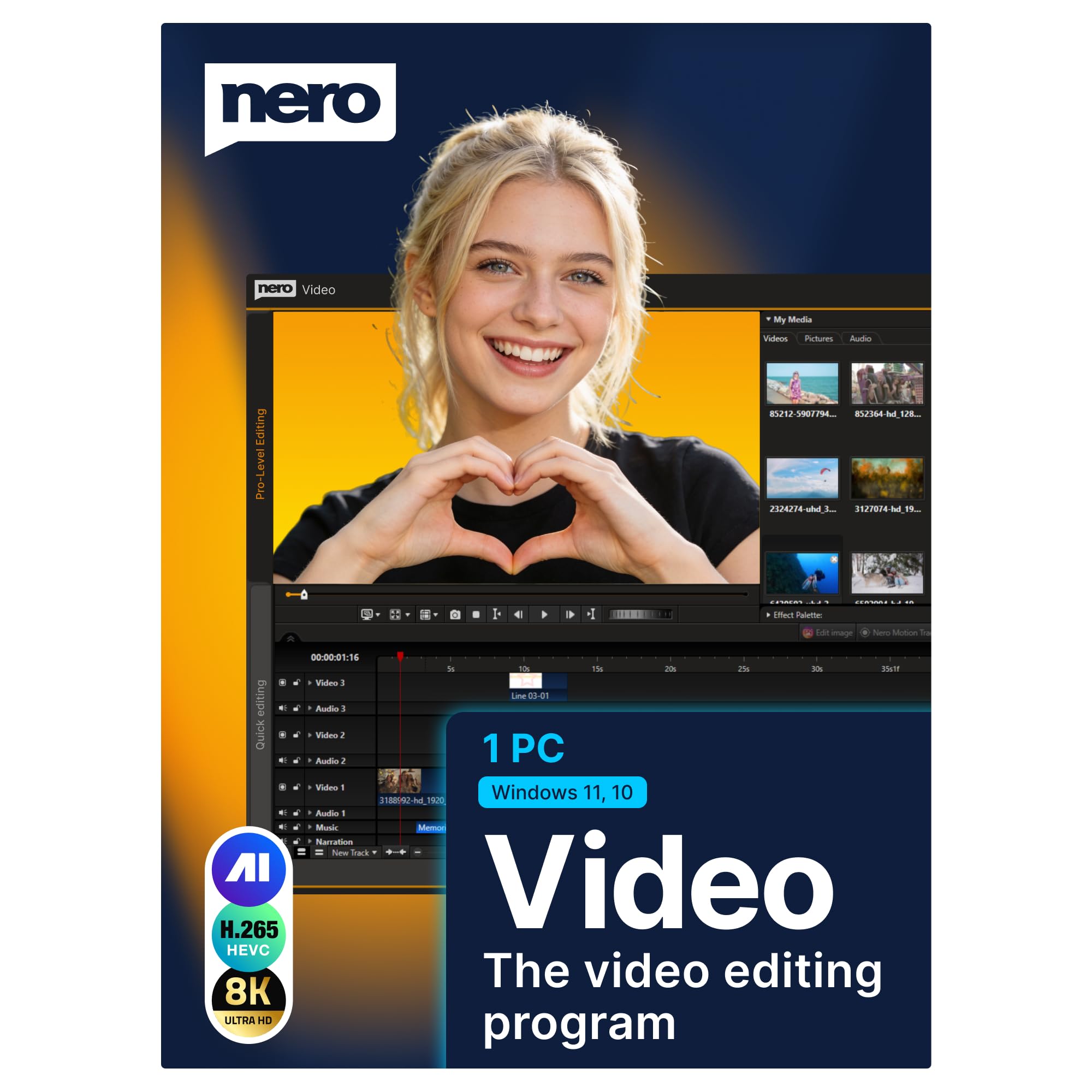
You get a full‑featured editor that balances a beginner‑friendly layout with a surprising amount of power. The timeline is clean, the menus are clearly labeled, and you can drop in clips, add music and apply dozens of effects with just a few clicks.
It handles everyday projects like birthday slideshows and more ambitious pieces such as short films that need multi‑track audio or motion‑tracked titles. Because it’s a lifetime license, you won’t see any hidden subscription fees, making it a solid choice among the best video editing software for beginners with lifetime license.
What People Say
Customers often highlight the sheer variety of effects and the convenience of having DVD/Blu‑ray authoring in one package. Reviewers appreciate that the interface stays simple enough for newcomers while still offering tools like motion tracking when they’re ready to explore more.
The lifetime license is repeatedly praised as a cost‑effective alternative to subscription‑based competitors.
|
Pros |
Cons |
|---|---|
|
✅ Large library of effects and transitions |
❌ Performance can dip with very large 8K projects |
|
✅ Straightforward UI that’s easy for beginners |
❌ Some advanced features feel limited compared to professional suites |
|
✅ No recurring fees thanks to lifetime license |
Time‑Saving Benefits
Preset templates, one‑click effect application, and automatic motion tracking let you finish projects faster, so you spend more time sharing your videos than tweaking settings.
Skill Level
Designed for beginners, yet it scales as you grow more comfortable with editing concepts.
Key Benefits
- 1000+ built‑in effects and transitions
- Motion tracking for dynamic titles
- Multi‑track editing for richer sound
- 4K and 8K export capabilities
- DVD and Blu‑ray authoring included
Current Price: $34.95
Rating: 3.1 (total: 58+)

You get a capable editor that feels a step up from basic movie makers while still staying approachable. The dual‑monitor preview lets you see a full‑HD preview on one screen while you edit on the other, and the library of more than 800 effects, typefaces and sound clips gives you plenty of creative options. It works well for everyday projects like family videos and also for hobby‑ist productions that need 4K output or HEVC compression.
Because it’s a lifetime license, you avoid any monthly fees, making it a solid contender for the best video editing software for beginners with lifetime license.
What People Say
Reviewers frequently mention the extensive effect library as a standout, noting that it adds polish without extra purchases. The dual‑monitor preview is praised for making fine‑tuning easier, especially when working with high‑resolution footage. Users also appreciate the one‑time payment model, saying it feels like a good long‑term investment for occasional creators.
|
Pros |
Cons |
|---|---|
|
✅ Large collection of effects and fonts |
❌ Interface can feel a bit dated compared to newer apps |
|
✅ Clear preview windows for accurate editing |
❌ Performance may lag on older hardware with 4K projects |
|
✅ One‑time purchase eliminates recurring costs |
Time‑Saving Benefits
Preset effect packs and the ability to export single frames let you finish projects quickly, so you spend less time hunting for third‑party assets and more time creating.
Skill Level
Tailored for beginners, yet it offers enough depth to grow with you as your skills improve.
Key Benefits
- 800+ built‑in effects and sounds
- Dual‑monitor full‑HD preview
- Export individual frames from long videos
- Supports 4K, HD and HEVC
- Lifetime license, no subscriptions
Current Price: $29.95
Rating: 3.1 (total: 56+)
FAQ
Can a lifetime license really replace a subscription for beginner video editing?
Yes, a lifetime license means you pay once and keep the software forever without any recurring fees. This is especially useful if you are looking for the best video editing software for beginners with lifetime license because you won’t have to worry about monthly or annual charges, and you can continue using the same program as you improve your skills.
Do I need a powerful computer to run the Nero editors for everyday projects?
You don’t need a high‑end workstation for basic editing. All three Nero products run on Windows 10 or 11 and work well on a modern laptop or desktop that meets the minimum specs listed in the product details. For occasional 4K or 8K clips you might notice slower rendering, but for everyday videos, slideshows, and social‑media projects the performance is more than adequate.
How easy is it to learn the features like AI‑assisted editing or motion tracking?
The interfaces are built with beginners in mind, so you’ll find clear menus and tooltips that walk you through each step. AI‑assisted suggestions in Nero Maker appear automatically, helping you add titles and transitions without manual tweaking. Motion tracking in Nero 2026 is optional and comes with preset options, so you can apply it with a couple of clicks and still produce professional‑looking results without a steep learning curve.
Wrapping Up
You now have a clear view of the top three options for the best video editing software for beginners with lifetime license. Each pick balances ease of use with a set of features that grow with your skills, and all avoid the hassle of monthly payments. Whether you prioritize AI assistance, budget friendliness, or a deep library of effects, one of these editors will let you start creating polished videos today and continue to do so without future cost surprises.
This Roundup is reader-supported. When you click through links we may earn a referral commission on qualifying purchases.