
If you are ready to turn your raw footage into polished videos without the hassle of recurring fees, you need a tool that balances ease of use with solid features. Choosing software that offers a one‑time purchase lets you focus on learning the craft rather than managing a subscription. In this guide you will discover options that keep costs predictable while still giving you the creative control to produce videos that look professional.
Top Picks
|
Category |
Product |
Price |
Score |
|---|---|---|---|
|
🏆 Best Feature Set |
$99.00 |
78/100 |
|
|
💡 Best AI Integration |
$49.95 |
75/100 |
|
|
⭐ Best Professional Feel |
$99.99 |
80/100 |
How We Chose the Editors
You should look for software that does not require a monthly payment, runs on a typical home PC, and offers an intuitive interface for newcomers. Each product was evaluated on price, feature depth, learning curve, and the availability of a lifetime license.
The ratings and user feedback were also considered to ensure that the tools deliver reliable performance for everyday projects.

When you want to turn raw clips into something you can share, VideoPad feels like a friendly companion. The interface is laid out so you can drag files onto the timeline and see your project come together instantly.
It packs a library of more than 50 transitions and effects, plus green‑screen tools that let you get creative without a steep learning curve. You can fine‑tune colors, add text overlays, and export to DVD, Blu‑ray or straight to YouTube, making it a solid choice for the best video editing software for beginners without subscription.
What People Say
Most users appreciate how quickly they can assemble a video thanks to the drag‑and‑drop workflow and the ready‑made effect library. The green‑screen feature gets a lot of praise for adding a professional touch without requiring additional plugins.
Reviewers also mention the convenience of exporting directly to DVD or YouTube, although a few note that the interface looks a little old‑fashioned compared with newer tools.
|
Pros |
Cons |
|---|---|
|
✅ Large collection of effects and transitions |
❌ User interface feels dated |
|
✅ Simple drag‑and‑drop editing |
❌ No native macOS version |
|
✅ Broad format compatibility |
❌ Limited advanced editing features |
Time‑Saving Benefits
Pre‑set transitions and one‑click export let you finish a project in minutes, while the built‑in sound effect library means you don’t have to hunt for extra audio assets.
Ease of Use
|
Feature |
Ease Level |
|---|---|
|
Drag‑and‑Drop Timeline |
Easy |
|
Pre‑set Transitions |
Easy |
|
Color Tweaking Tools |
Moderate |
|
Direct YouTube Upload |
Easy |
Key Benefits
- Over 50 built‑in visual effects and transitions
- Green‑screen (chroma key) support for creative backgrounds
- Direct upload to YouTube and social platforms
- Export to DVD, Blu‑ray, and many common video formats
Current Price: $99.00
Rating: 3.8 (total: 92+)
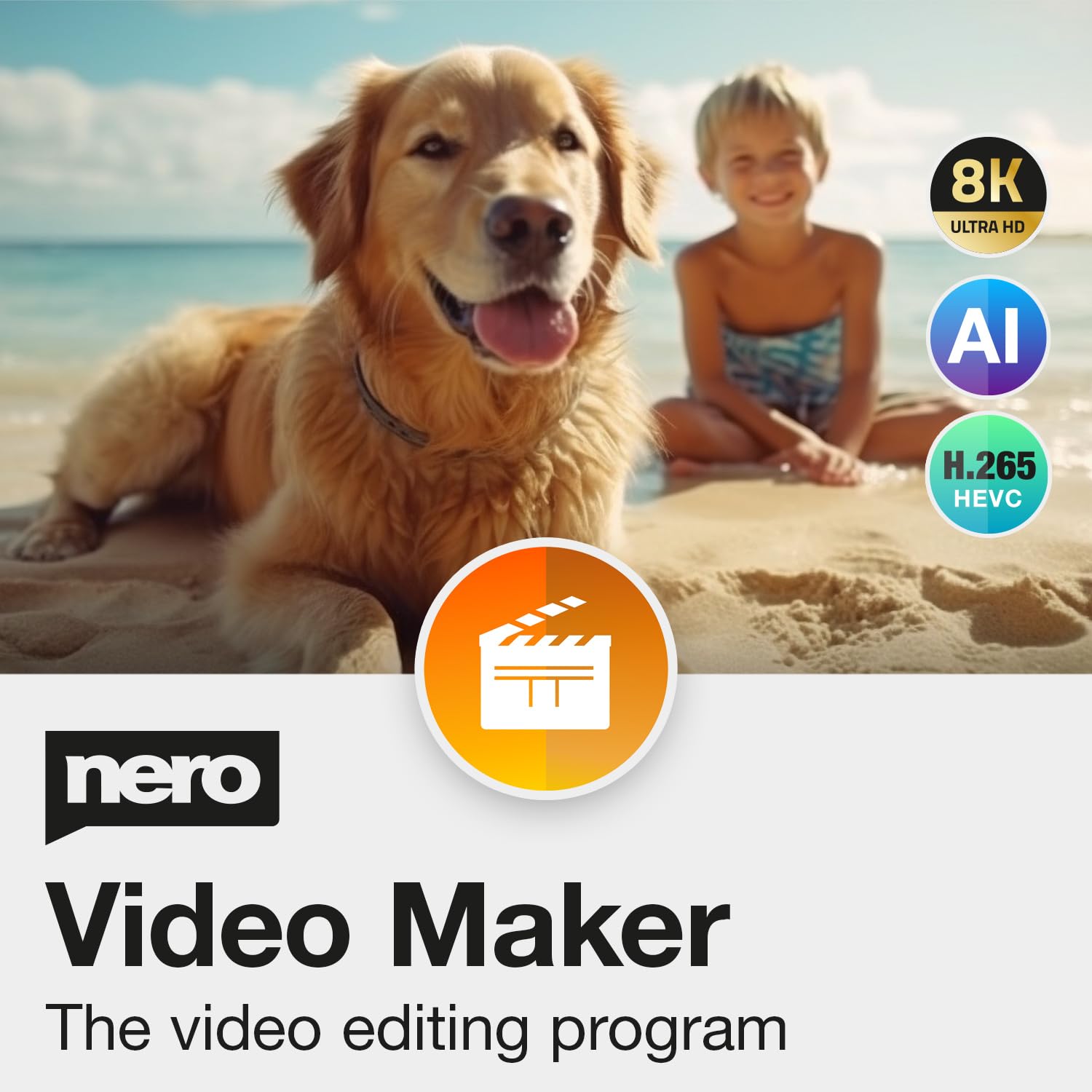
If you want a tool that can keep up with high‑resolution projects without a monthly fee, Nero VideoMaker is worth a look. The AI‑driven features suggest edits, balance colors and even generate titles, so you spend less time fine‑tuning and more time telling your story. It handles everything from quick family slideshows to 8K YouTube videos, making it versatile for everyday moments and special occasions.
Because it’s a one‑time purchase, you get the peace of mind of a lifetime license while still enjoying modern capabilities, which is why it ranks among the best video editing software for beginners without subscription.
What People Say
Customers frequently highlight how the AI suggestions speed up the editing process, especially when they’re new to video creation. Reviewers also appreciate the ability to export high‑resolution videos without needing additional plugins. Some note that while the core features are straightforward, advanced users may find the tool a bit limited for complex projects.
|
Pros |
Cons |
|---|---|
|
✅ AI automation saves time |
❌ Interface can feel basic for pros |
|
✅ High‑resolution export options |
❌ Limited deep‑editing features |
|
✅ One‑time purchase eliminates recurring costs |
Time‑Saving Benefits
AI templates automatically arrange clips and apply transitions, and one‑click export lets you share videos to social platforms in seconds, reducing the typical editing workload.
Ease of Use
|
Feature |
Ease Level |
|---|---|
|
AI Auto‑Edit |
Easy |
|
One‑Click Export |
Easy |
|
SlideShow Builder |
Easy |
|
Resolution Settings |
Moderate |
Key Benefits
- AI‑driven editing assistance
- Supports up to 8K resolution
- Lifetime license, no subscription
- Simple slideshow creation tools
Current Price: $49.95
Rating: 3.7 (total: 117+)
When you’re after a tool that feels modern but doesn’t lock you into a monthly bill, Premiere Elements 2027 offers a solid middle ground. The built‑in AI features handle repetitive tasks like color correction and audio cleanup, so you can focus on storytelling.
Three editing modes let you start with simple guided steps and grow into more advanced techniques as your confidence builds. It also supports direct publishing to YouTube and Vimeo, which makes it a handy choice for daily vlogs or occasional family movies, positioning it among the best video editing software for beginners without subscription.
What People Say
Reviewers often note how the AI tools cut down the time needed for basic editing, and they appreciate the clear guided tutorials that help newcomers get results fast. Many also mention the convenience of exporting straight to social platforms.
Some users point out that the three‑year license requires renewal and that the interface could feel a bit dated compared with newer competitors.
|
Pros |
Cons |
|---|---|
|
✅ AI shortcuts streamline the workflow |
❌ License expires after three years |
|
✅ Guided mode is friendly for beginners |
❌ User interface looks slightly old |
|
✅ Good selection of built‑in assets |
❌ Requires internet for activation and updates |
Time‑Saving Benefits
AI suggestions automatically balance color and audio, while the guided mode walks you through each step, letting you finish edits in a fraction of the usual time.
Ease of Use
|
Feature |
Ease Level |
|---|---|
|
Guided Mode |
Easy |
|
AI Auto‑Adjust |
Easy |
|
Drag‑and‑Drop Timeline |
Easy |
|
Export Wizard |
Easy |
Key Benefits
- AI‑driven automation saves time
- Three editing modes for different skill levels
- Built‑in title, music and effect libraries
- One‑click sharing to YouTube and Vimeo
Current Price: $99.99
Rating: (total: +)
FAQ
Do I have to pay a monthly fee to use video editing software as a beginner?
No, you can find the best video editing software for beginners without subscription by choosing a product that offers a one‑time purchase or a lifetime license, so you avoid recurring charges and keep your budget predictable.
What key features should I prioritize when picking beginner‑friendly software that doesn’t require a subscription?
Look for an intuitive drag‑and‑drop interface, a library of built‑in effects and transitions, basic colour and audio tools, and easy export options to YouTube or common video formats. AI‑assisted tools can also speed up simple edits, while guided tutorials help you learn at your own pace.
Will a one‑time purchase let me share my finished videos on platforms like YouTube or export to different devices?
Yes, most of the top options, such as VideoPad, Nero VideoMaker or Premiere Elements, include direct publishing or export features that let you upload to YouTube, Vimeo or save files in formats compatible with smartphones, tablets and DVDs, all without needing an ongoing subscription.
Wrapping Up
By focusing on one‑time purchase options, you can avoid hidden costs while still gaining access to features that help you grow as a video creator. Whether you prioritize a rich set of effects, AI‑driven assistance, or a familiar professional workflow, the selections above give you a clear path forward without the pressure of ongoing subscriptions.
This Roundup is reader-supported. When you click through links we may earn a referral commission on qualifying purchases.