

You probably feel that keeping track of every expense, saving for future goals, and understanding where your money goes is a constant challenge. Using the right personal finance and budgeting software can turn a chaotic ledger into a clear picture of your financial health, helping you make smarter decisions and stay on track with your goals. By choosing a tool that matches your lifestyle, you gain confidence in managing bills, investments, and even business income without wasting hours on spreadsheets.
Top Picks
|
Category |
Product |
Price |
Score |
|---|---|---|---|
|
🏆 Best for Business & Rentals |
$85.19 |
72/100 |
|
|
💰 Best Free Mobile App |
|||
|
🎯 Best for Basic Desktop Budgeting |
20/100 |
||
|
⭐ Best Overall Personal Finance |
$75.99 |
70/100 |
|
|
🚀 Best Offline Solution |
$79.99 |
78/100 |
How We Chose the Best Options
You should look for software that balances ease of use with powerful features, because a complex tool can become a burden while a simple one may miss the insights you need. Consider the range of budgeting categories and whether you can customize them to reflect your unique spending patterns. Pay attention to platform compatibility; you want a solution that works on the devices you use most, whether that’s a Windows PC, Mac, or mobile phone.
Price matters, but the true value comes from features such as automatic transaction imports, real‑time expense tracking, and robust reporting. Security is also critical, so you need software that encrypts your data and offers reliable backup options. Finally, think about whether you need offline access or cloud syncing, especially if you travel often or have limited internet connectivity.
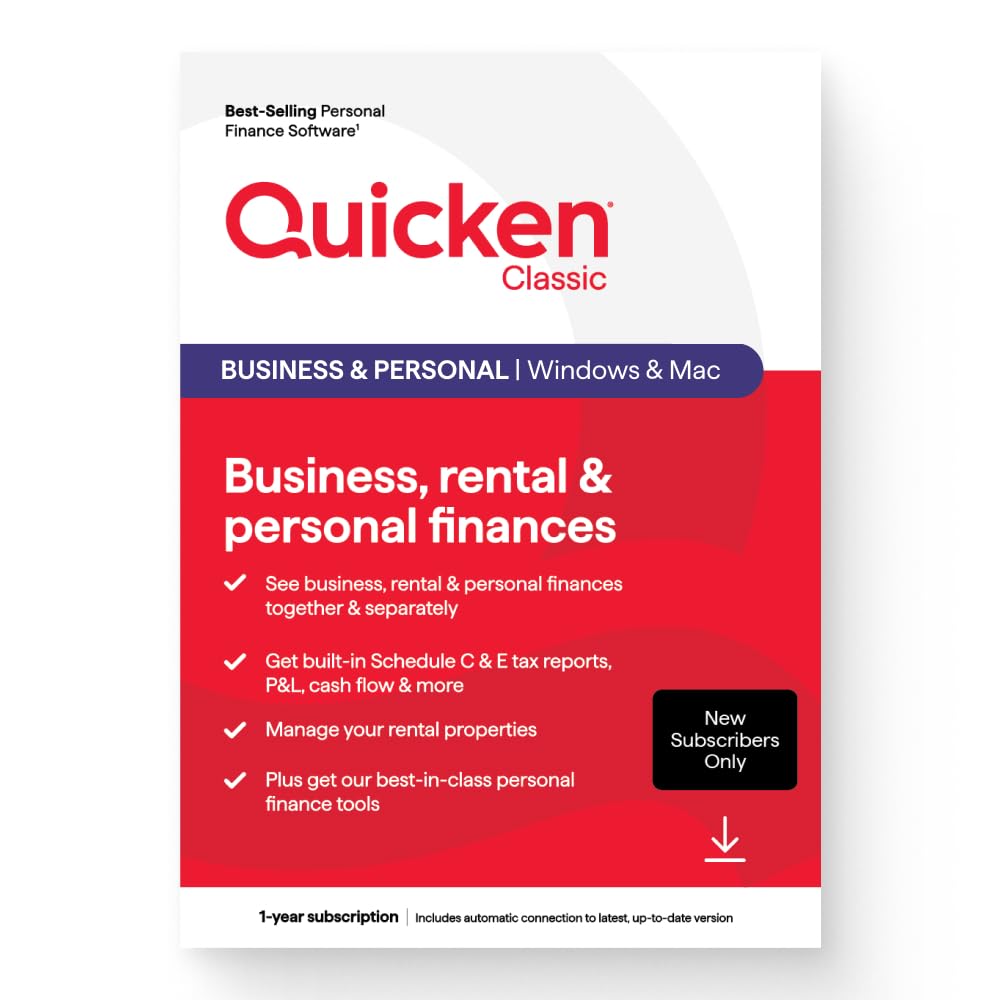
You’ll find Quicken Classic is a solid all‑in‑one tool that handles everything from daily bill payments to the occasional tax‑time crunch. It works on both PC and Mac, so you can manage personal spending, rental income, and small‑business cash flow without juggling separate apps.
I like that you can set up recurring transactions, keep track of investment performance, and still have a clear view of home expense tracking. If you need a trustworthy system that grows with you, this version is a practical choice.
What People Say
Customers generally appreciate the breadth of features, especially the ability to handle both personal budgeting and rental property finances in one place. Many mention that the automatic bank sync saves them a lot of manual entry, while the detailed reports help them stay organized for tax season.
Some users note that the interface feels a bit traditional, but they still find it reliable for daily tracking.
Time‑Saving Benefits
You can set up recurring bills and income streams so the software updates balances automatically, cutting down on the time you spend entering data each month. The built‑in categorization also groups expenses without you having to sort them manually, making month‑end reviews quicker.
Reporting & Analytics
Quicken Classic generates detailed cash‑flow statements, profit‑and‑loss reports for rental properties, and visual charts that let you see spending trends at a glance. Those insights are useful whether you’re planning a vacation budget or evaluating the health of a side business.
Key Benefits
- Integrated business, rental, and personal finance management
- Automatic transaction syncing with banks
- Customizable budgeting categories for home expense tracking
- Built‑in tax‑ready reports and investment tracking
- 30‑day risk‑free trial
Current Price: $85.19
Rating: 3.6 (total: 127+)
You’ll notice Expen tries to be the Swiss‑army knife of personal finance. It lets you log daily expenses, project future income, and run quick calculations for loans or investments without opening several separate apps. The interface feels light enough for everyday budget checks yet powerful enough for occasional wealth‑planning sessions.
If you’re hunting for the best personal finance budgeting software for home expense tracking, this option gives you a lot of functionality without a steep learning curve.
What People Say
Users commonly mention that the app’s all‑in‑one design saves them from juggling multiple tools. They appreciate the easy‑to‑read charts and the quick calculator functions for loan or investment scenarios.
The flexibility to create personal categories for home expense tracking also gets a lot of positive feedback, while a few note that the desktop version could be more polished.
Time‑Saving Benefits
By combining budgeting, expense logging, and financial calculations, you avoid switching between apps, which cuts down the minutes you spend each week on money management. Auto‑categorization of transactions and quick‑tap entry screens let you record spending on the go.
Reporting & Analytics
Expen generates visual reports that show where your money goes, from daily coffee runs to larger investment returns. The built‑in analytics help you spot trends and adjust your budget before small overspends become bigger issues.
Key Benefits
- All‑in‑one budgeting and financial calculator
- Customizable expense categories
- Income and wealth tracking in real time
- Simple, clean user interface
- No subscription required
Current Price:
Rating: (total: +)

You’ll find Fun Money works well for everyday budgeting and occasional deep‑dives into your spending habits. It runs on Windows and needs Java, but once it’s set up you can quickly add incomes, set expense categories, and see visual charts that make the numbers easy to understand. I appreciate that it’s simple enough for quick daily checks yet still lets you create custom categories when you need more detail. If you’re scouting for the best personal finance budgeting software for home expense tracking without a steep learning curve, this lightweight option is worth a try.
What People Say
Customers generally like how straightforward the program feels, noting that the interface lets them log expenses in seconds. The built‑in charts receive praise for making trends clear at a glance. Some users mention the requirement for Java and the lack of advanced features as a downside, but overall the feedback emphasizes simplicity and reliability for basic budgeting needs.
Time‑Saving Benefits
The drag‑and‑drop entry style and preset categories reduce the time you spend categorizing each transaction. Generating reports is a single click, so you can see a snapshot of your finances without digging through multiple screens.
Reporting & Analytics
Fun Money produces basic reports that list income versus expenses and displays bar and pie charts to visualize where your money goes. These visuals help you spot overspending areas before they become bigger problems.
Key Benefits
- Easy‑to‑use layout with intuitive navigation
- Preset expense categories plus custom options
- Visual charts and statistics for quick insight
- Lightweight installation, no heavy system demands
- Help manual included for basic budgeting concepts
Current Price:
Rating: 1 (total: 2+)

You’ll see Quicken Deluxe as a full‑featured desktop solution that covers everything from daily bill tracking to occasional tax‑time calculations. It runs on both PC and Mac, pulls transactions from your banks automatically, and lets you set up budgets for household spending, making it a strong candidate for the best personal finance budgeting software for home expense tracking.
On a regular week you can quickly glance at cash flow, and later in the year you can generate detailed reports for mortgage interest or investment performance. I find it reliable enough to recommend as a core tool for anyone who wants a single place to manage personal and family finances.
What People Say
Customers commonly highlight the breadth of features, especially the ease of linking bank accounts and the depth of reporting tools. Many appreciate the clear visual budgeting charts that make it simple to see where household money is going.
Some note that the interface can feel dense at first, but they also mention that the learning curve pays off once the system is set up. Overall users find it dependable for both everyday expense monitoring and more complex financial planning.
Time‑Saving Benefits
Automatic transaction imports mean you rarely need to enter data manually, and the built‑in budget templates let you start tracking home expenses within minutes. One‑click report generation saves you hours when you need a quick financial snapshot.
Reporting & Analytics
Quicken Deluxe delivers detailed cash‑flow statements, profit‑and‑loss reports for rental properties, and visual charts that break down spending trends. These analytics help you spot patterns early and adjust your budget before small issues grow.
Key Benefits
- Automatic bank transaction syncing
- Comprehensive budgeting with custom categories
- Robust tax‑ready reports and investment tracking
- Cross‑platform (PC & Mac) compatibility
- 30‑day risk‑free trial
Current Price: $75.99
Rating: 3.5 (total: 685+)
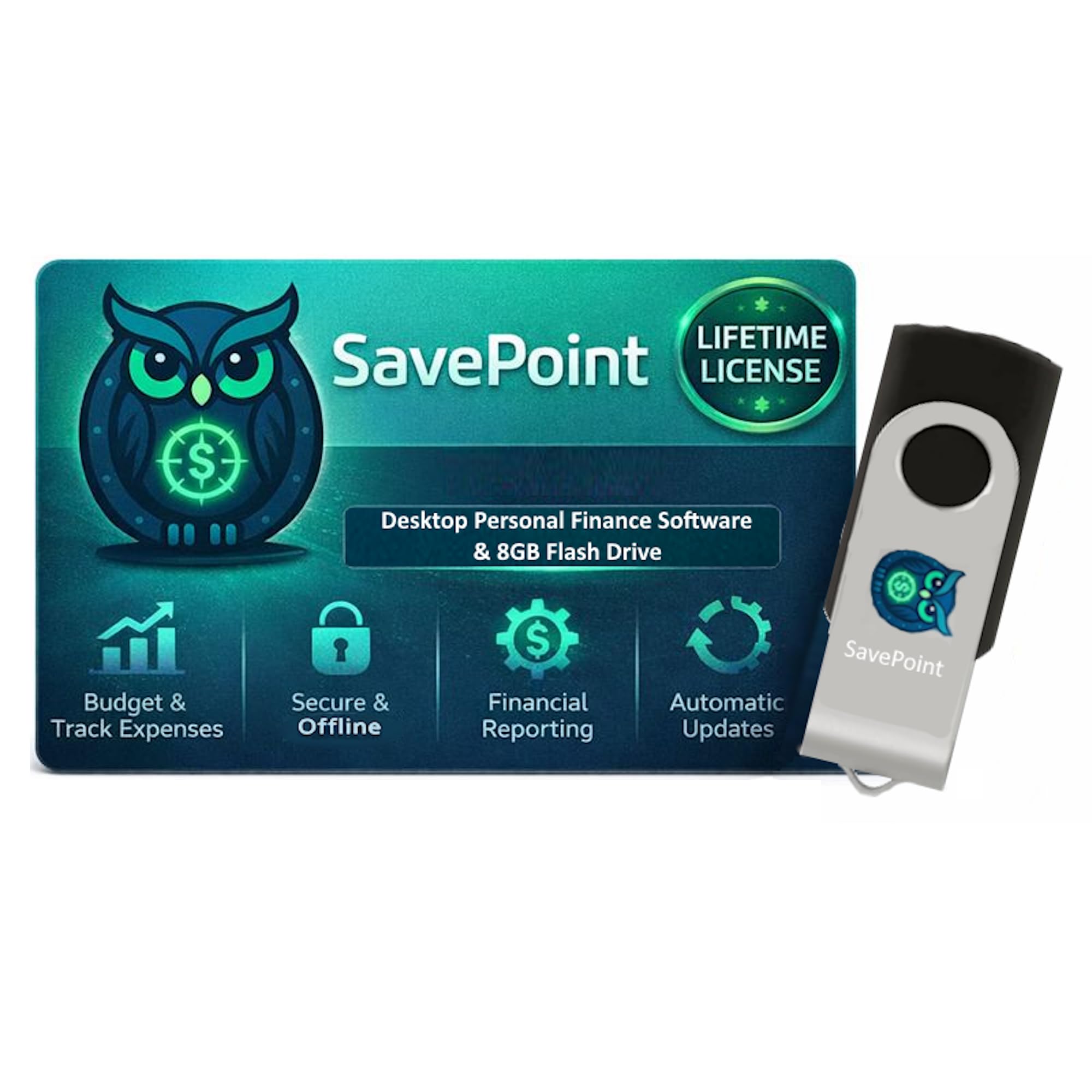
You’ll notice SavePoint is a fully offline solution that packs a lot of financial planning power into a compact USB package. It runs on both PC and Mac, so you can manage daily expenses, run Monte Carlo retirement simulations, and keep balance sheets without ever touching the cloud.
Because it’s subscription‑free you avoid recurring fees, which makes it appealing for long‑term budgeting and FIRE (Financial Independence, Retire Early) planning. If you’re looking for the best personal finance budgeting software for home expense tracking and want total control over your data, this is a solid choice.
What People Say
Customers often praise the depth of features, especially the retirement‑simulation tools that go beyond simple budgeting. The offline nature receives frequent commendation for privacy and reliability when internet access is limited. A few users mention that the interface can feel a bit dated at first, but they appreciate the long‑term value of a one‑time purchase without subscription interruptions.
Time‑Saving Benefits
All calculations run locally, so you get instant results for cash‑flow projections and Monte Carlo scenarios without waiting for cloud processing. Pre‑built budget templates let you set up household expense categories quickly, and the USB format means you can start using the software straight out of the box.
Reporting & Analytics
SavePoint produces detailed financial statements, including balance sheets, income statements, and custom cash‑flow reports. The Monte Carlo module visualizes a range of possible retirement outcomes, helping you see the impact of different saving rates and market assumptions.
Key Benefits
- 100 % offline operation – no internet needed
- Comprehensive budgeting and cash‑flow analysis
- Monte Carlo simulations for retirement planning
- Balance sheet and financial statement generation
- One‑time purchase with USB delivery
Current Price: $79.99
Rating: 3.9 (total: 9+)
FAQ
How do I pick the best personal finance budgeting software for home expense tracking?
Start by listing the features that matter most to you, such as automatic bank syncing, customizable categories, and offline access. Look for a program that lets you set up budgets for household bills and track spending in real time without overwhelming you with unnecessary tools. Read user reviews to see if the interface feels intuitive for daily use, and check whether a free trial or risk‑free period is offered so you can test the workflow before committing. A good balance of ease of use, robust reporting, and price will help you find a solution that fits your lifestyle.
Is my financial data safe when I use budgeting software?
Most reputable applications encrypt your data during transmission and store it on secure servers, but the level of protection can vary. If privacy is a top concern, consider an offline option like SavePoint, which keeps all information on your computer and an 8 GB USB drive, eliminating cloud exposure. For cloud‑based tools, verify that they use industry‑standard encryption (TLS/SSL) and offer two‑factor authentication.
Regularly back up your files and keep your operating system and the software itself up to date to reduce vulnerability.
Can I use the same budgeting software on both my PC and my mobile device?
Many modern solutions provide cross‑platform support, allowing you to sync data between Windows, Mac, iOS, and Android. When you choose a program, check the list of supported devices and whether the sync is automatic or requires manual export. Some products, like Quicken Classic, offer desktop versions for PC and Mac and optional mobile apps for on‑the‑go tracking.
If you need flexibility without a subscription, look for software that includes a portable version or a USB‑based installer that you can run on multiple machines.
Wrapping Up
You now have a clear view of the top personal finance and budgeting solutions that fit a variety of needs. Whether you run a small business, prefer a free mobile app, need a straightforward desktop program, want an all‑rounder for personal finances, or require a completely offline tool, there is an option that aligns with your goals.
Selecting the right software will simplify expense tracking, improve your budgeting accuracy, and ultimately give you better control over your money.
This Roundup is reader-supported. When you click through links we may earn a referral commission on qualifying purchases.